If you're wondering whether you can play Genshin Impact offline, here's the straight answer: no, you can't. That hasn't changed in 2026. Genshin Impact is still an always-online game, so you need an active internet connection every single time you log in, no matter where you're playing or what you're doing. It does not matter if you're casually roaming Dornman Port alone, farming artifact domains with friends, or just standing around in Mondstadt listening to voice lines—the game is constantly tied to HoYoverse's servers. In this guide, we're breaking down why offline play isn't possible, what actually happens when your connection drops, and what your best real-world alternatives look like.
Can You Play Genshin Impact Offline
Genshin Impact has no built-in offline mode, and HoYoverse has never suggested that one is on the way. The game was designed around a live-service structure from day one, and that setup powers everything from bi-weekly updates to rotating banners, limited-time events, and cross-platform progression. If you try to launch the game without internet, you'll hit an authentication wall before you can properly reach the title screen.

A rumor still floats around now and then that Genshin can somehow enter a limited offline state after you've already logged in once. That's just not true. The client does not store enough usable local data to support actual gameplay without server approval. Even things that seem like they should work offline—walking around an area you've already unlocked, or replaying a finished story scene—still depend on an active connection to HoYoverse's servers. Solo play might feel like a single-player experience, but technically, it's still an online session with no co-op guests.
A lot of the confusion comes from players comparing Genshin to open-world RPGs that really do support offline play. Games like The Witcher 3 or Elden Ring keep their core logic and save data locally, so once they're installed, authentication isn't part of the normal loop. Genshin works much more like Destiny 2 or Final Fantasy XIV, where the server isn't just an extra feature—it's basically the spine of the whole game.
Genshin Impact Online Requirements
Each time you open Genshin Impact, the game client starts with an account authentication handshake with HoYoverse's regional servers. That process confirms your UID, checks that the account is valid, and verifies whether your client matches the current live version. If anything goes wrong here—maintenance, unstable internet, an expired session token, or a version mismatch—you are not getting in.
The bigger reason offline play doesn't exist is that Genshin stores its important data server-side. Your characters, weapons, artifacts, quest progress, Primogems, map exploration, and other account data are tied to HoYoverse's infrastructure rather than being saved locally in a freely usable format. That setup is why you can swap between PC, mobile, and other supported platforms without losing progress. It's also exactly why the game stops functioning without server access.
The always-online model also keeps Genshin's live content running. Event schedules, banner rotations, daily commissions, resin refreshes, and in-game mail all rely on constant sync with the server. On top of that, HoYoverse uses patch validation to make sure your client is fully updated before it lets you into the world, which is why old versions are blocked after a new patch goes live.
| Requirement | Purpose | Consequence if Absent |
|---|---|---|
| Account authentication | Identity verification | Login blocked at title screen |
| Server-side save sync | Progress persistence | No game state accessible locally |
| Patch validation | Client version check | Outdated client rejected by server |
| Anti-cheat handshake | Integrity enforcement | Session refused or terminated |
| Live event data pull | Content delivery | Events, banners, and mail inaccessible |
On PC, Genshin Impact also uses kernel-level anti-cheat software through the mhyprot2 driver, and that system communicates with HoYoverse as part of session validation. So even beyond basic login checks, the game expects live confirmation from the server stack before it fully allows play.
What Happens Without Internet in Genshin Impact
If you try to start Genshin Impact with no working connection, you'll run into a login failure state almost immediately. The exact wording can vary a bit depending on platform, but you'll usually see something like "Failed to Connect to Server" or a network error code such as -9908. There isn't any backup offline mode waiting behind that screen. The game simply stops and tells you to fix your connection.
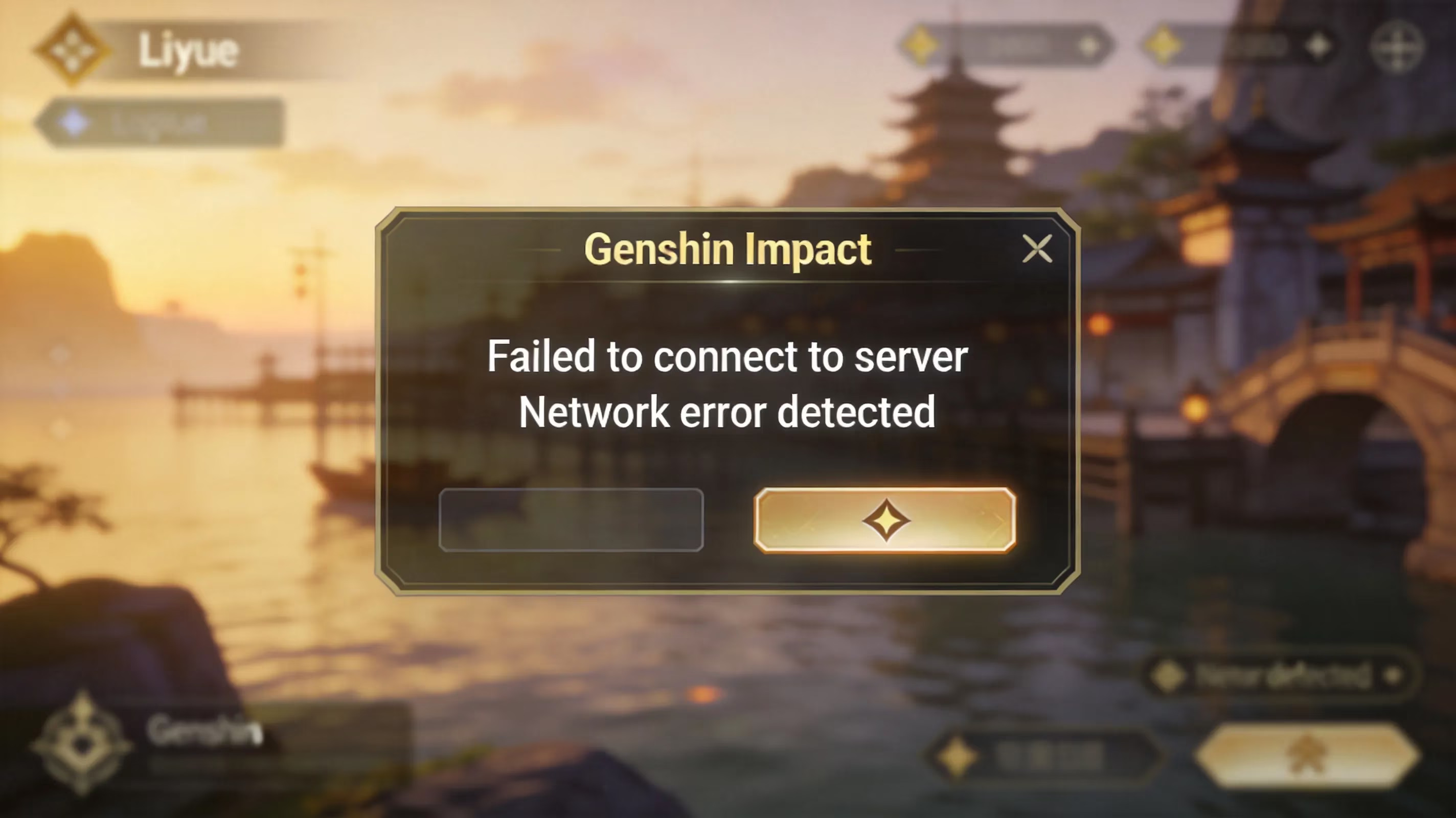
A disconnect during gameplay plays out a little differently. When your internet drops mid-session, Genshin usually tries to reconnect on its own for a short window. During those few seconds, some movement or combat inputs might still appear to go through locally, but the session is basically paused from the server's perspective. If reconnection fails, the game kicks you back to the login screen. Depending on when the last sync happened—and Genshin syncs pretty often—you may lose a small chunk of recent progress.
This happens most often on mobile, honestly, just because cellular networks are less stable. Switching between 4G and 5G towers, stepping into an elevator, going underground, or hitting a congested area can all cause the kind of packet loss that triggers a disconnect. Genshin is fairly sensitive to latency spikes because actions, inventory changes, and quest progression are validated close to real time instead of being stored locally and uploaded later. On mobile, the reconnect process usually means getting sent back to login and authenticating again, which can take anywhere from around 15 seconds to several minutes depending on how fast your signal recovers.
Best Alternatives to Play Genshin Impact Offline
Since the answer to "can you play Genshin Impact offline" is a firm no, the more useful question is how to make that online requirement less annoying. The best thing you can do is pre-download update files before traveling or before heading somewhere with weak internet. Genshin patches regularly land in the 3 to 5 GB range, sometimes more, and trying to grab those on a slow or capped connection right before you want to play is a miserable experience. If the files are already downloaded on a stable home network, you only need enough connection to authenticate and maintain the session.
If you mostly play on mobile data, having a stable hotspot backup is easily the most practical workaround. That could mean a second SIM from another carrier or a dedicated hotspot device you keep around for emergencies. The good news is that Genshin's actual bandwidth use during solo exploration is pretty manageable—roughly 50 to 150 MB per hour—so the real issue is usually stability, not raw data usage.
Cloud gaming is another option, but it's important to be clear about what it does and doesn't solve. Services like Nvidia GeForce Now and Xbox Cloud Gaming let you stream Genshin from remote hardware, which is great if your local device struggles to run the game well. But this is not an offline fix. If anything, it makes your internet dependency even heavier, since cloud play usually wants a stable 15 to 25 Mbps connection and adds extra latency on top. For players with strong internet and weak hardware, that's a fair trade. For anyone trying to avoid connection issues, it's the opposite of what you want.
If your goal is a genuinely offline-friendly open-world action RPG for travel or dead zones, your best move is to look at games built with native offline support. Some single-player action RPGs with progression systems that feel a bit gacha-adjacent can scratch a similar itch while storing saves locally and skipping server authentication entirely.
A few practical ways to reduce frustration:
-
Download patches early before trips or commutes
-
Keep a backup hotspot ready if your main network is unreliable
-
Avoid cloud gaming if your issue is unstable internet rather than weak hardware
-
Consider offline-capable RPGs when you know you'll be without service
Genshin Impact Platform Differences
The always-online rule applies everywhere, but the way Genshin handles connection checks does vary a bit by platform. On PC, the game runs through HoYoverse's launcher, and that launcher tends to do a more aggressive pre-launch integrity check against the server manifest before you even reach the title screen. In practice, that means weak internet can cause longer startup delays on PC even if the connection technically works, because the launcher still needs steady throughput to finish its checks.
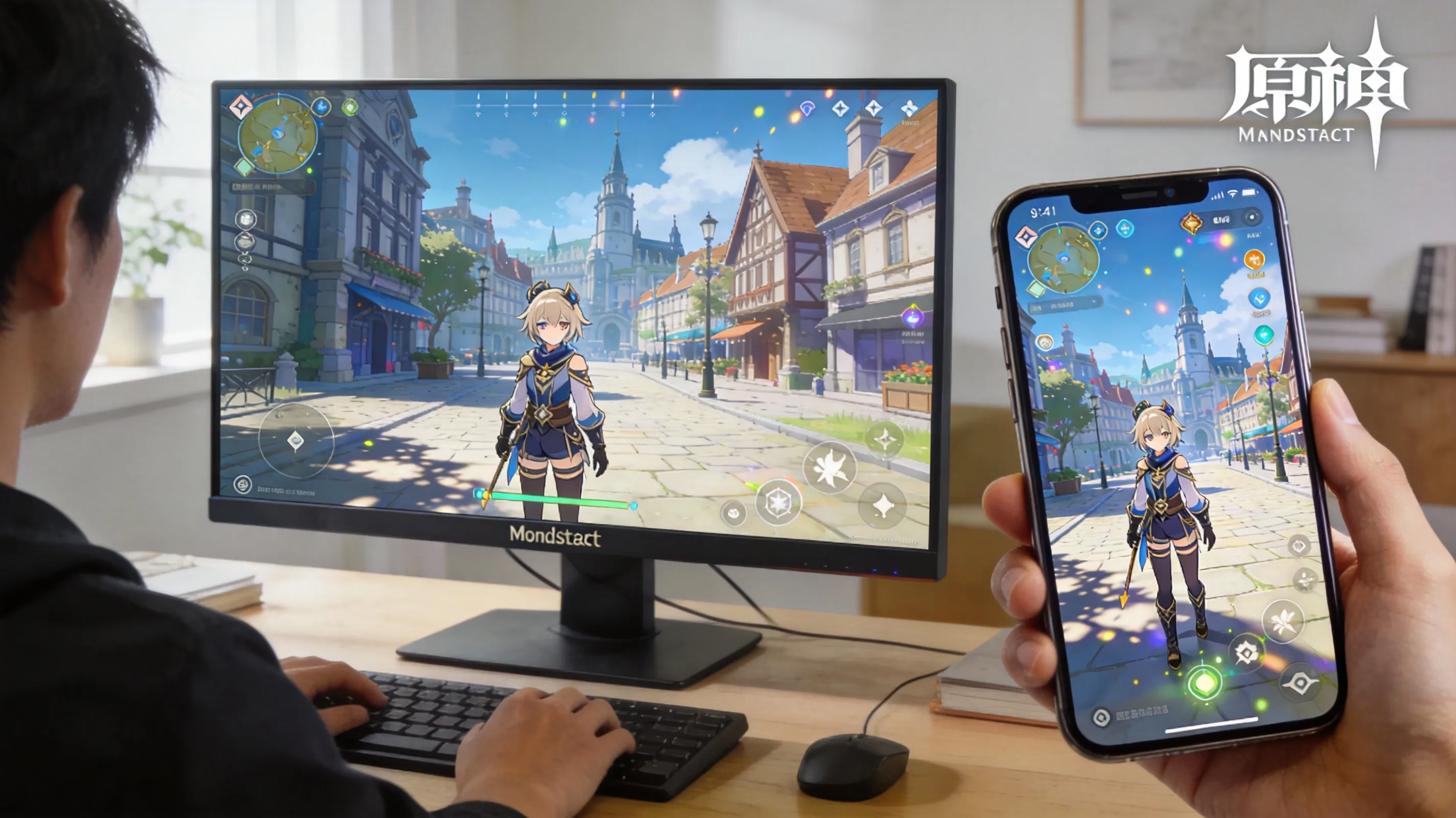
Mobile behaves a little differently. On Android and iOS, Genshin includes a background reconnect routine that tries to quietly restore the session after a short connection drop instead of immediately throwing you out. It's a bit more forgiving than the PC client in that specific situation, though if the connection stays bad for too long, you'll still get booted and forced to log in again. iPhone and iPad users on restricted networks—like some office or school Wi-Fi setups—can also run into authentication failures even when normal apps work fine, because Genshin relies on specific port ranges that those networks may block.
PlayStation adds one more layer to the process. On PS4 and PS5, Genshin Impact depends not only on HoYoverse's servers but also on an active PlayStation Network connection before launch. So if PSN is having issues, or if required network features are unavailable, you may be locked out even when Genshin's own servers are perfectly fine. Cross-save also comes with extra caveats here. Players who started on PlayStation need to stay tied to the same HoYoverse UID, and PSN account binding can create restrictions around account linking, merging, and platform switching that PC and mobile users don't deal with in the same way.
One more thing worth keeping in mind: cross-save only works inside the same regional server. If your account is on Asia, you can't just swap over to North America and expect your progress to appear there, no matter what device you're using. The same limitation applies if you're using cloud gaming—the region still has to match your account's home server.
Genshin Impact Offline FAQ
Can cutscenes run offline?
No. Even fully voiced or pre-rendered cutscenes still require an active server session. Genshin does not keep them available in a standalone offline format, so trying to access one without internet leads to the same login failure you'd get anywhere else in the game.
Can you appear offline to other players?
Yes, sort of. Genshin Impact has an invisible status option in its social settings, which hides your online indicator from friends and other players. But that's only a privacy feature. You're still fully connected to HoYoverse's servers, and your session is still live—the game just stops showing your active status to others.
Can private servers work as an offline substitute?
There are unofficial private servers out there in some modding circles, and they do attempt to recreate parts of HoYoverse's server logic locally. That can allow a kind of offline-style experience, at least in limited form. The problem is that these setups sit in a legal gray area, break HoYoverse's terms of service, and come with very real security risks. Malware from unverified APKs or tools, account bans, corrupted data, and device compromise have all been reported. So no, private servers are not a safe or legitimate offline solution.
Is cloud gaming an offline option?
No. Cloud gaming still depends on a strong, stable internet connection—usually one that's even better than what native local play needs. It helps with hardware limitations, not connection limitations. If you don't have internet access, cloud gaming won't get you into Genshin any more than the normal client will.